In short
- A good LCP is up to 2.5 seconds, measured at the 75th percentile of real visits.
- On sites with poor LCP, most of the time goes to TTFB and waiting for the browser to even start downloading the image, and less than 10 % to the download itself.
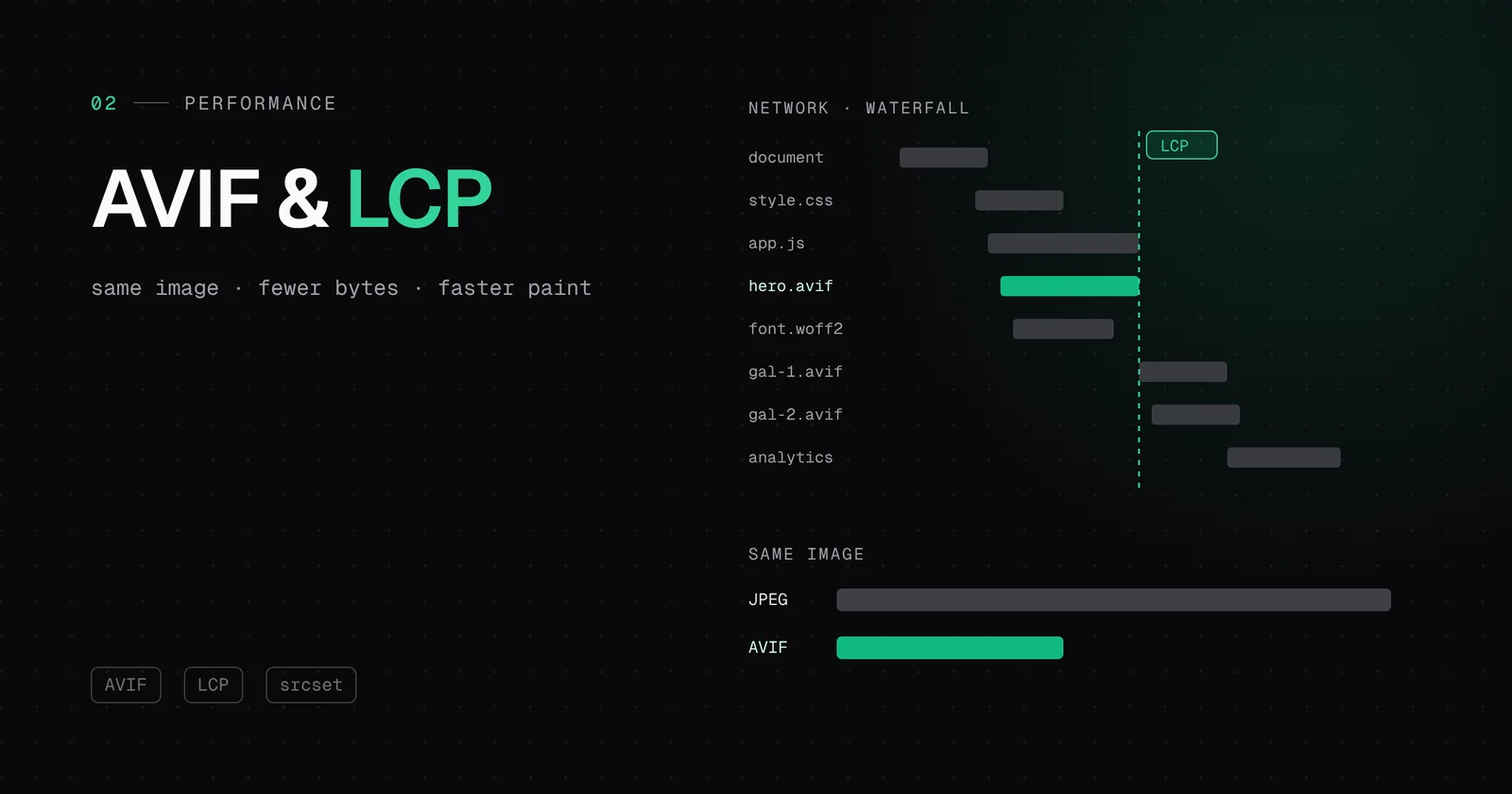
- AVIF is on average around 60 % smaller than JPEG, yet in 2024 only 1 % of images on the web used it.
- A media subdomain takes images off PHP and the disk and serves them from Cloudflare without cookies. But it needs one extra connection, so we set it up carefully.
The three numbers Google looks at
Core Web Vitals are three measures of experience. Google calculates them from real visits in Chrome and takes the 75th percentile: three quarters of visits must be better than the threshold for the page to count as “good”.
| Metric | What it measures | Good |
|---|---|---|
| LCP | When the largest element is painted (usually an image) | up to 2.5 s |
| INP | How fast the page reacts to a click or tap | up to 200 ms |
| CLS | How much the content jumps while loading | up to 0.1 |
Images affect all three. LCP directly, CLS when they have no set dimensions, and INP indirectly, because decoding large images keeps the browser’s main thread busy.
- of mobile pages have an image as LCP
- 68 %of mobile pages have an image as LCP
- of LCP images are lazy-loaded (a mistake)
- 9.5 %of LCP images are lazy-loaded (a mistake)
- of images on the web are AVIF
- 1 %of images on the web are AVIF
The surprise: image size is not the biggest problem
Google’s Chrome team analysed real data for sites with poor LCP and split LCP into four parts. The median looks like this:
| Part of LCP | Median | What it is |
|---|---|---|
| TTFB | 2,270 ms | Waiting for the first byte of HTML from the server |
| Load delay | 1,290 ms | From the first byte to the moment the browser starts downloading the image |
| Load duration | 350 ms | The image download itself |
| Render delay | 360 ms | From the end of the download to the paint |
Most sites with poor LCP spend less than 10 % of the time on the image download itself. The rest is waiting: for the server, then for the browser to even discover the image. Compression is still useful, but if the page waits two seconds for the first byte, no image format will fix that.
Load delay: three mistakes we keep seeing
- Lazy-loading on the hero image. The loading="lazy" attribute tells the browser to wait until the image enters the viewport. For images further down the page that is great; for the main image at the top it is a brake. According to the Web Almanac, 9.5 % of LCP images on mobile have exactly this mistake.
- An image discovered only through CSS or JavaScript. A CSS background image or a slider that inserts the image with a script is not visible in the HTML, so the browser learns late that it needs it.
- Oversized srcset and sizes. The Web Almanac measured that the median sizes attribute is 16 % too large on mobile and 43 % on desktop, so the browser downloads a bigger image than needed.
<img src="hero.jpg" srcset="hero-768.jpg 768w, hero-1536.jpg 1536w"
     sizes="100vw" width="1536" height="864"
     fetchpriority="high" alt="…">
When we move a site to our platform, we check this by hand on the home page and the most visited pages. fetchpriority="high" on the hero image and removing lazy-loading from it often bring more than any compression.
AVIF: the same picture, fewer bytes
AVIF is an image format born from the AV1 video codec. According to figures cited by web.dev, imgix measured around 60 % smaller files compared with JPEG and 35 % compared with WebP, at comparable quality. All of today’s major browsers support it. Still, according to the 2024 Web Almanac, AVIF made up only 1 % of images on the web. Most sites simply leave that saving on the table.
How we serve it
- For every new JPEG or PNG image, our plugin uses the avifenc tool to create an AVIF version and stores it next to the original in the bucket.
- The page prints the image in a picture element: a browser that knows AVIF takes it, and the rest get the original. Nobody gets an image they cannot display.
- GIFs and SVGs stay as they are. Animations and vector images have their own rules.
- When an AVIF version arrives later, the plugin clears the HTML cache of that page so the new picture element is visible right away.
<picture>
  <source type="image/avif" srcset="https://media.vasadomena.hr/…/slika.avif">
  <img src="https://media.vasadomena.hr/…/slika.jpg" width="1200" height="800" alt="…">
</picture>
A media subdomain: the benefits and one cost
When images come from media.yourdomain.com through Cloudflare, you get several things at once:
- Images do not pass through PHP or the web server disk. The server deals only with pages.
- Cloudflare keeps them in the data centre closest to the visitor, so the image itself has a short TTFB.
- Requests carry no cookies. WordPress sets its cookies on the main domain, so the browser does not send them to the media subdomain. Fewer bytes per request and easier caching.
- Every image has a one-year Cache-Control. A returning visitor does not download it again.
An honest note on the cost: a new subdomain means a new connection, with a DNS lookup and a TLS handshake. In the HTTP/1.1 days splitting content across domains was a speed trick; with HTTP/2 and HTTP/3 it no longer is. So we do not add the subdomain for “more parallel connections” but for the reasons above, and the cost of the new connection is shortened by a preconnect hint in the page head, which we are adding to our plugin now. Cloudflare holds both the main domain and the media subdomain, so the connection is short even without it.
<link rel="preconnect" href="https://media.vasadomena.hr" crossorigin>An existing site: moving without downtime
If you already have thousands of images, you do not have to move them by hand. We migrate the existing library in the background, and the site keeps running the whole time. Every file is checked after upload. Only once it is confirmed on the media subdomain can the local copy be removed from the NVMe disk. Files that are not confirmed stay untouched. On one recent migration we moved 60,385 files (9.3 GiB) with zero differences this way.
How to check the result
- Run PageSpeed Insights before and after and look at LCP, but also at the “Largest Contentful Paint element” section that shows which image is the main one.
- In Google Search Console, in the Core Web Vitals report, the change in real data shows within a few weeks, because Google looks at a 28-day window.
- Open the image address in the browser. If it starts with media.yourdomain and ends in .avif, everything works.