In short
- Every site on the platform sits behind Cloudflare. The server accepts web traffic only from Cloudflare addresses.
- That is why fail2ban on the server sees only Cloudflare, not the attacker. We ban on Cloudflare, through MK Shield.
- Bot Fight Mode on the Free plan is a blunt tool: it applies to the whole domain and cannot be limited to paths.
- We learned that “challenged” is not the same as “up”. Our monitoring now tells them apart.
Why the edge and not the server
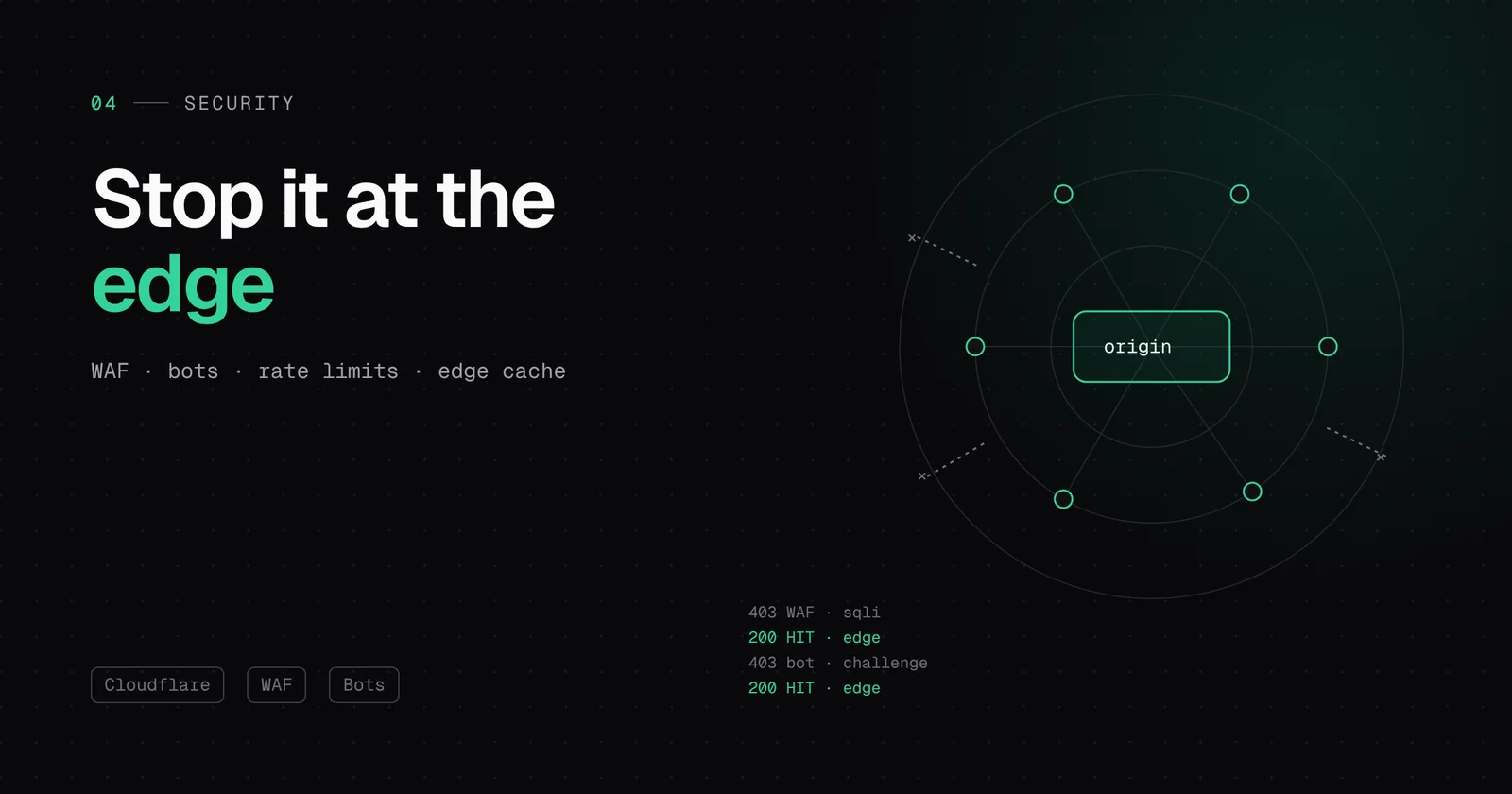
When an attack reaches the server, it is already too late. Even if the server recognises and rejects it, it spends connections, CPU and memory doing so. In a DDoS attack the traffic itself chokes the connection before any rule can react.
Cloudflare stands in front of the site as a reverse proxy. The visitor connects to the nearest Cloudflare data centre, and only that data centre, if the request passes every check and is not in the cache, contacts our server. The attacker never talks to our server directly.
- largest recorded DDoS (September 2025)
- 22.2 Tbpslargest recorded DDoS (September 2025)
- packets per second in the same attack
- 10.6 billionpackets per second in the same attack
- people who had to stop it by hand
- 0people who had to stop it by hand
Locking the origin
A proxy is only worth something if it cannot be bypassed. If an attacker learned the server IP, they could attack it directly. That is why the firewall on our servers accepts web traffic (ports 80 and 443) exclusively from Cloudflare addresses. Everyone else finds the door closed.
Why we switched off fail2ban
fail2ban is a classic tool: it reads server logs, spots an IP address causing trouble and blocks it in the firewall. On a server without Cloudflare it works great. Behind Cloudflare it has a fundamental problem: every connection comes from a Cloudflare address. Blocking that address means blocking thousands of real visitors sharing the same edge node, and blocking the attacker’s real address in the local firewall does nothing, because the attacker does not connect directly anyway.
When we reviewed the old server, that is exactly what we found: local bans that never stopped anything, and next to them hundreds of old Cloudflare rules nobody maintained anymore. We decided that only one system would issue bans.
MK Shield: the agent detects, Cloudflare stops
- The agent on the server reads the Nginx logs. Nginx knows the visitor’s real address from the CF-Connecting-IP header.
- When an address scans known paths (wp-login.php, xmlrpc.php, .env and similar) or exceeds the request limit, the agent reports it to the Hub.
- The Hub adds the address to the “MK Shield” rule on Cloudflare, with an expiry. When it expires, the ban disappears by itself.
- The Cloudflare API keys exist only in the Hub. The server does not have them, so even a compromised server cannot misuse them.
WAF: rules you can see and edit
A WAF (Web Application Firewall) looks at the content of a request, not just the address. It recognises SQL injection attempts, known WordPress plugin vulnerabilities and suspicious patterns. On every zone the platform sets a few rules whose description starts with “MK ”, and the client can add, edit and delete their own in the Hub.
(http.request.uri.path contains "/xmlrpc.php")
or (http.request.uri.path contains "/.env")
or (http.request.uri.path contains "/wp-config.php")
One detail we learned: Cloudflare has several kinds of rules and they do not all override each other. Old IP Access rules, for example, cannot be skipped by custom rules. When we needed to let our uptime monitoring through, adding an exception to a new rule was not enough. We had to clean up the old ones. That is why one place now holds all bans.
Bots: Bot Fight Mode and its cost
The Free plan includes Bot Fight Mode. It recognises simple bots from cloud provider addresses and headless browsers and gives them a computationally expensive challenge. That helps against mass scraping, but it is a blunt tool: it applies to the whole domain and cannot be limited to specific paths.
That is exactly why we offer it in the Hub as a per-site switch, not as a default. Integrations that legitimately come from the cloud (payments, shipping, monitoring) can get stuck on the challenge. A site without such integrations that suffers from scraping turns it on with one click.
A lesson: “challenged” is not “up”
Our uptime monitoring checks sites every few minutes. After the Hub moved to Cloudflare Workers, the checks came from Cloudflare addresses and an old agency WAF rule started challenging them. The response was a 403 with a cf-mitigated: challenge header, and our code counted it as “site is up”. For three days monitoring showed 100 % while it was actually measuring nothing.
Today monitoring distinguishes three states: up, down and “challenged”, which does not count towards the uptime percentage. The checks have their own exception in the rules, and the Nginx rate limit recognises them. Once we fixed that, monitoring immediately found three sites with a real problem that the challenge had been hiding.
Speed: an edge cache you clear with one click
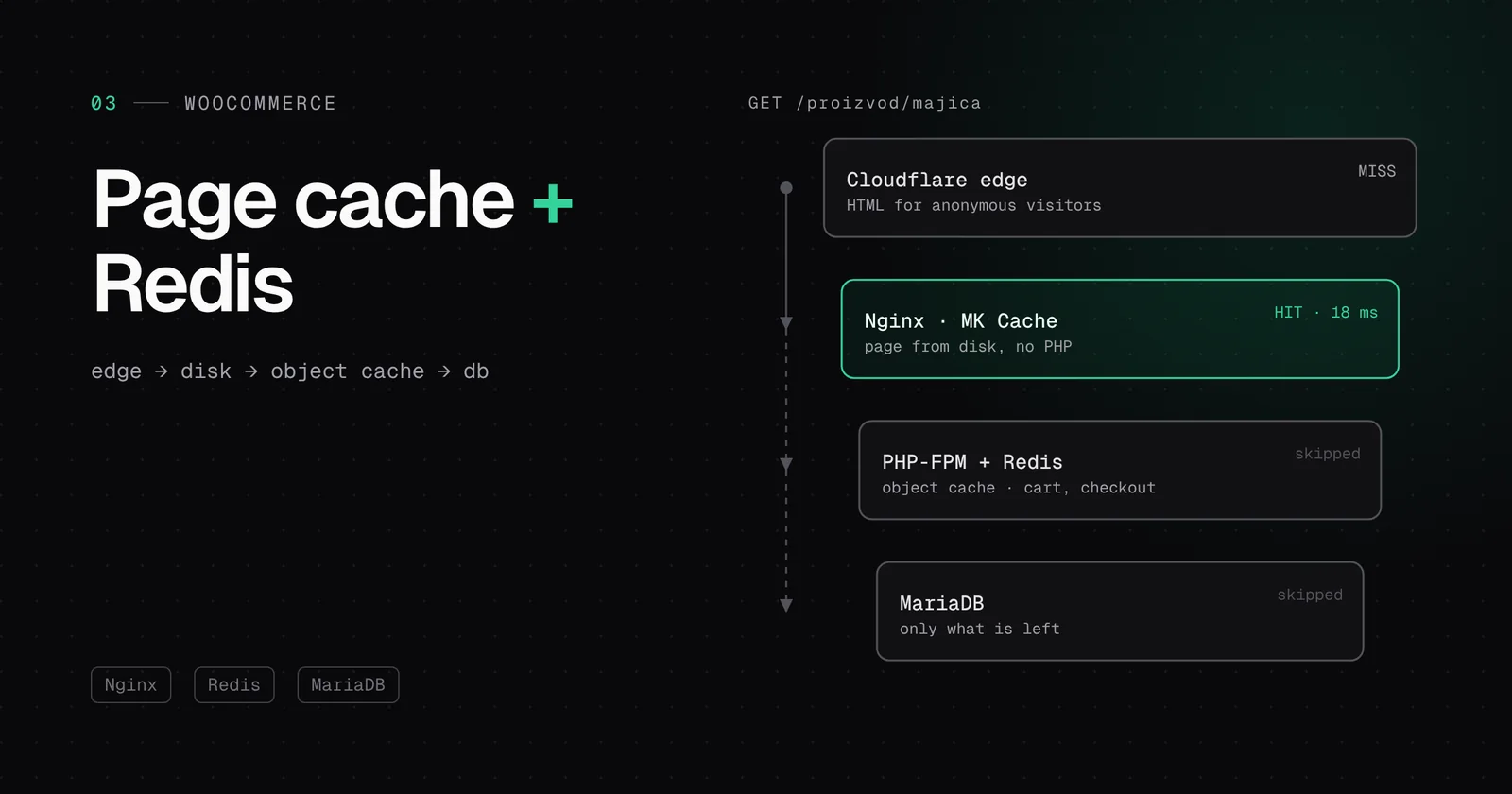
Cloudflare keeps static content and media close to visitors. The HTML of anonymous visits can also be kept at the edge. MK Cache knows how to purge Cloudflare too: “Clear this page cache” removes the URL from disk and from Cloudflare, and “Clear full cache” removes all HTML. Publish a post, click once, and visitors see the new version.
Insight and one token per site
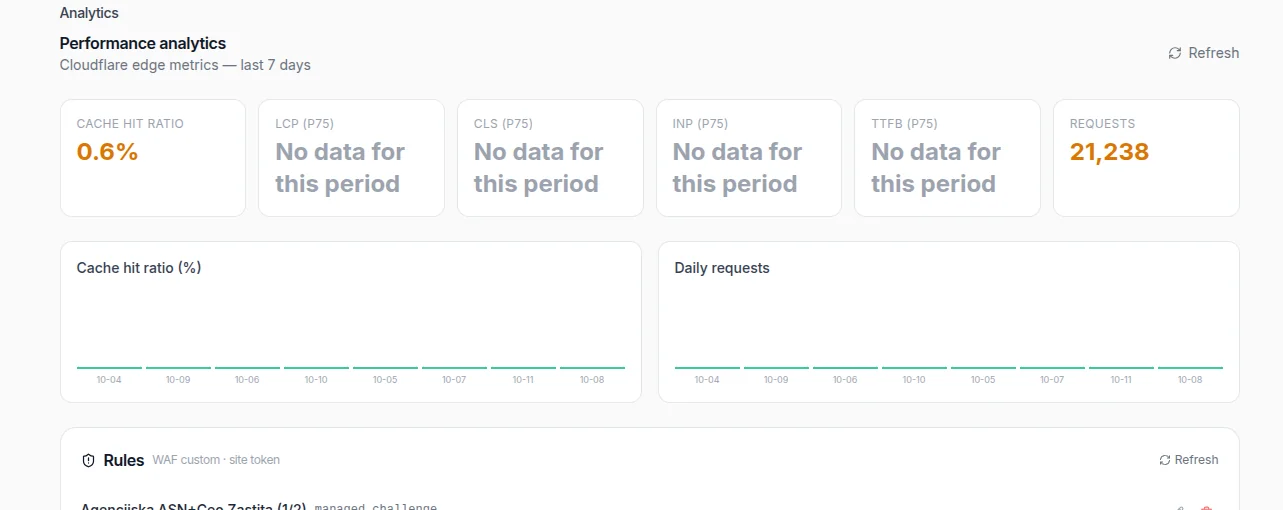
The Cloudflare tab in the Hub shows the share of requests served by cache, the request count and the LCP, CLS, INP and TTFB metrics when available. If Cloudflare cannot return the data, the Hub says so honestly instead of showing made-up numbers.
To edit rules, the Hub uses the Cloudflare API token of each individual site, not a shared agency token. If a token is missing or rejected, the Hub reports it clearly and does not borrow anyone else’s privileges. The rules of one site cannot touch another.
| Threat | Where it stops | Who decides |
|---|---|---|
| Volumetric DDoS | The Cloudflare network | Cloudflare, automatically |
| Scanning wp-login.php and .env | The MK Shield rule | Agent and Hub, with an expiry |
| Known plugin exploits | WAF rules | The platform and the client |
| Mass scraping | Bot Fight Mode | The client, a switch in the Hub |
| Direct attack on the IP | The server firewall | Only Cloudflare may enter |
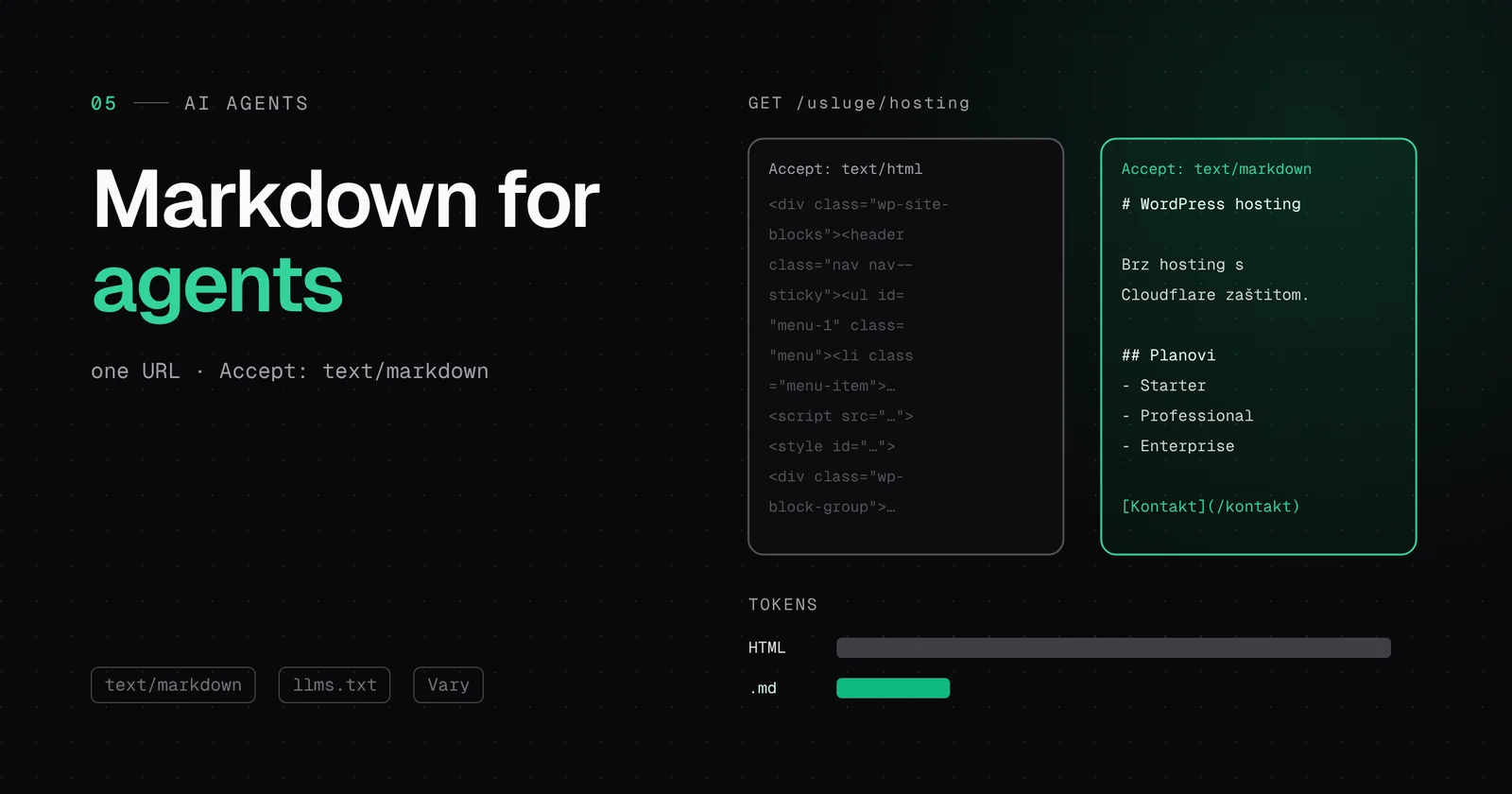
What about AI crawlers that read pages? That is a separate topic, because it is not about attacks but about consent. We cover it in the post on markdown versions of pages for AI agents.